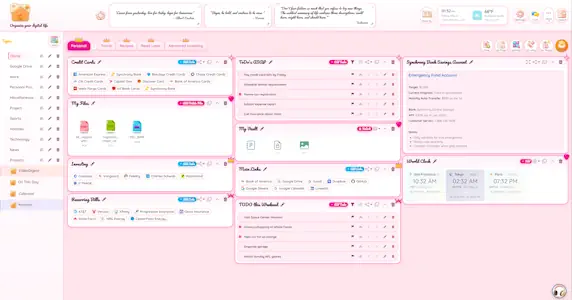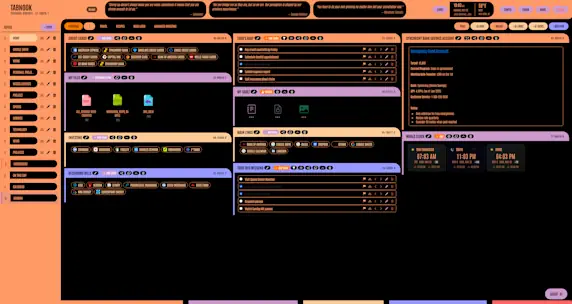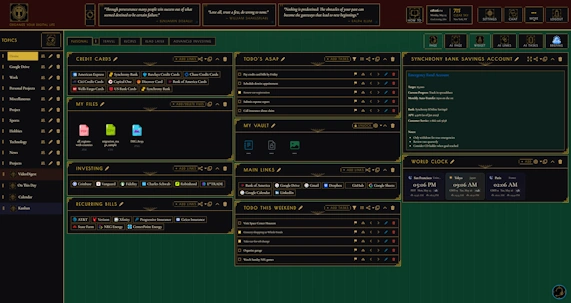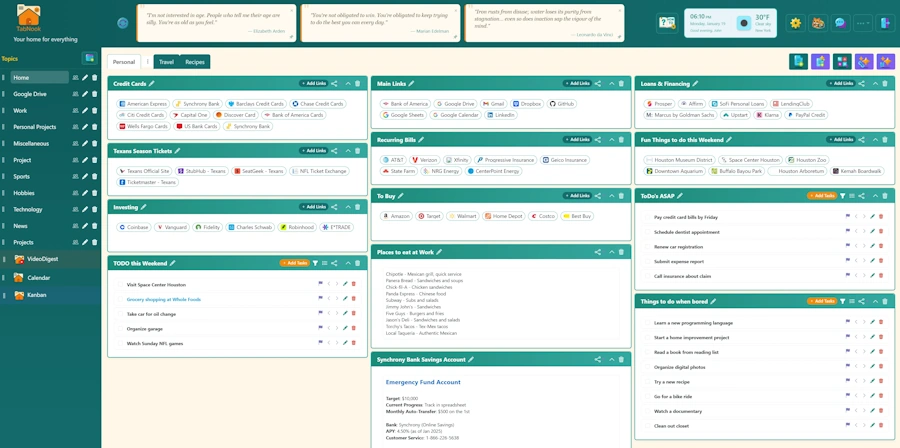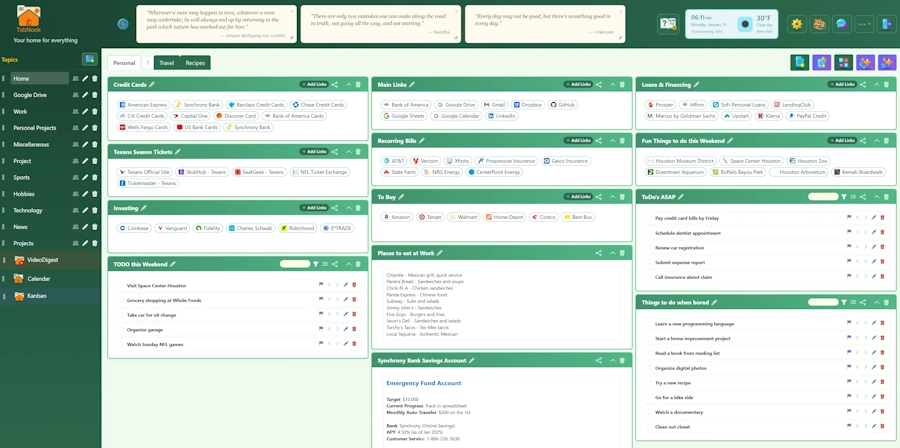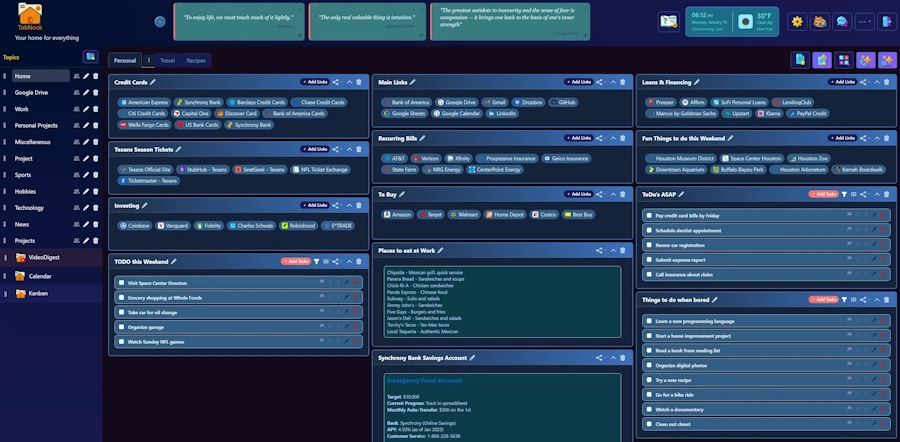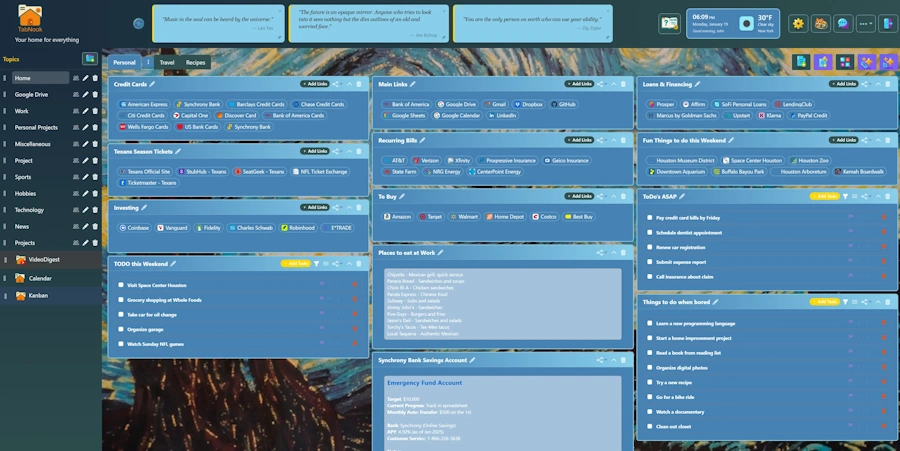
Transform browser tab chaos into an organized, AI-powered command center. Beautiful themes (create with AI!), smart widgets, Chrome Extension, and seamless integrations - all in one place.

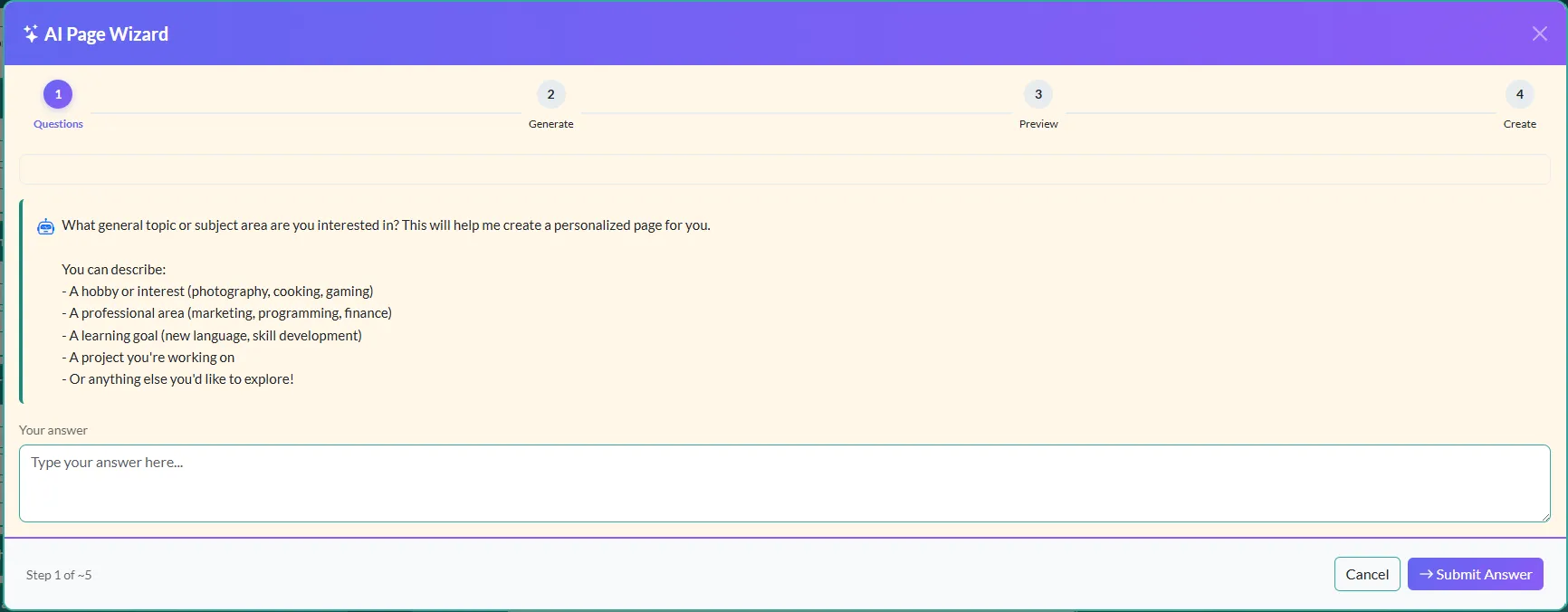
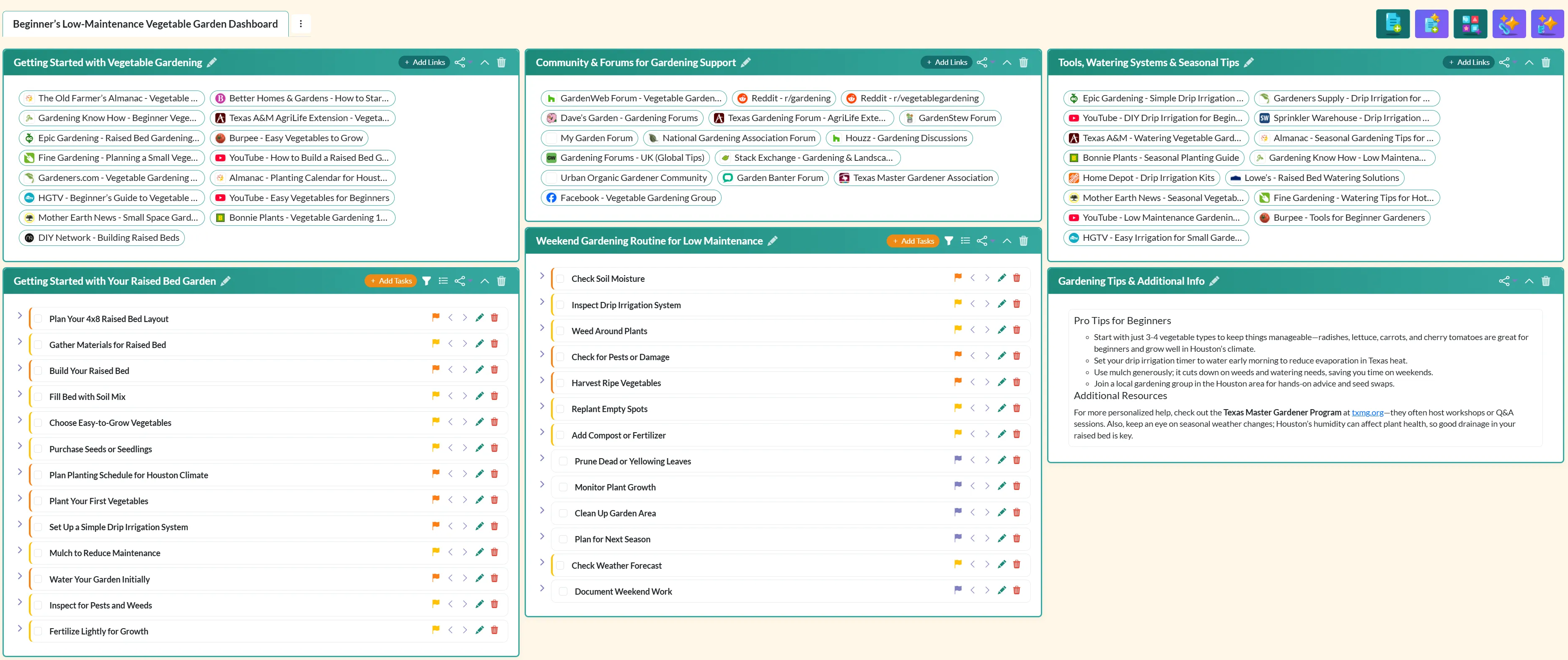
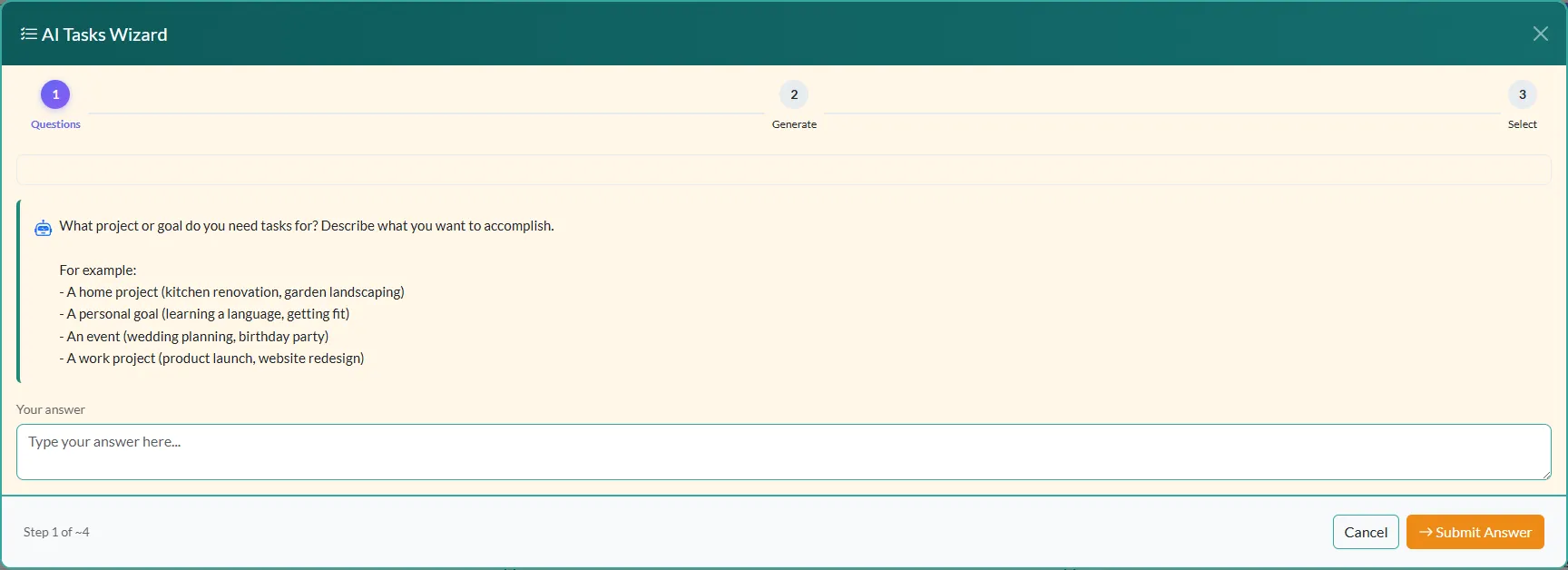
See What's New!Let AI do the heavy lifting. Create complete pages, curated link collections, and task lists through guided conversations.
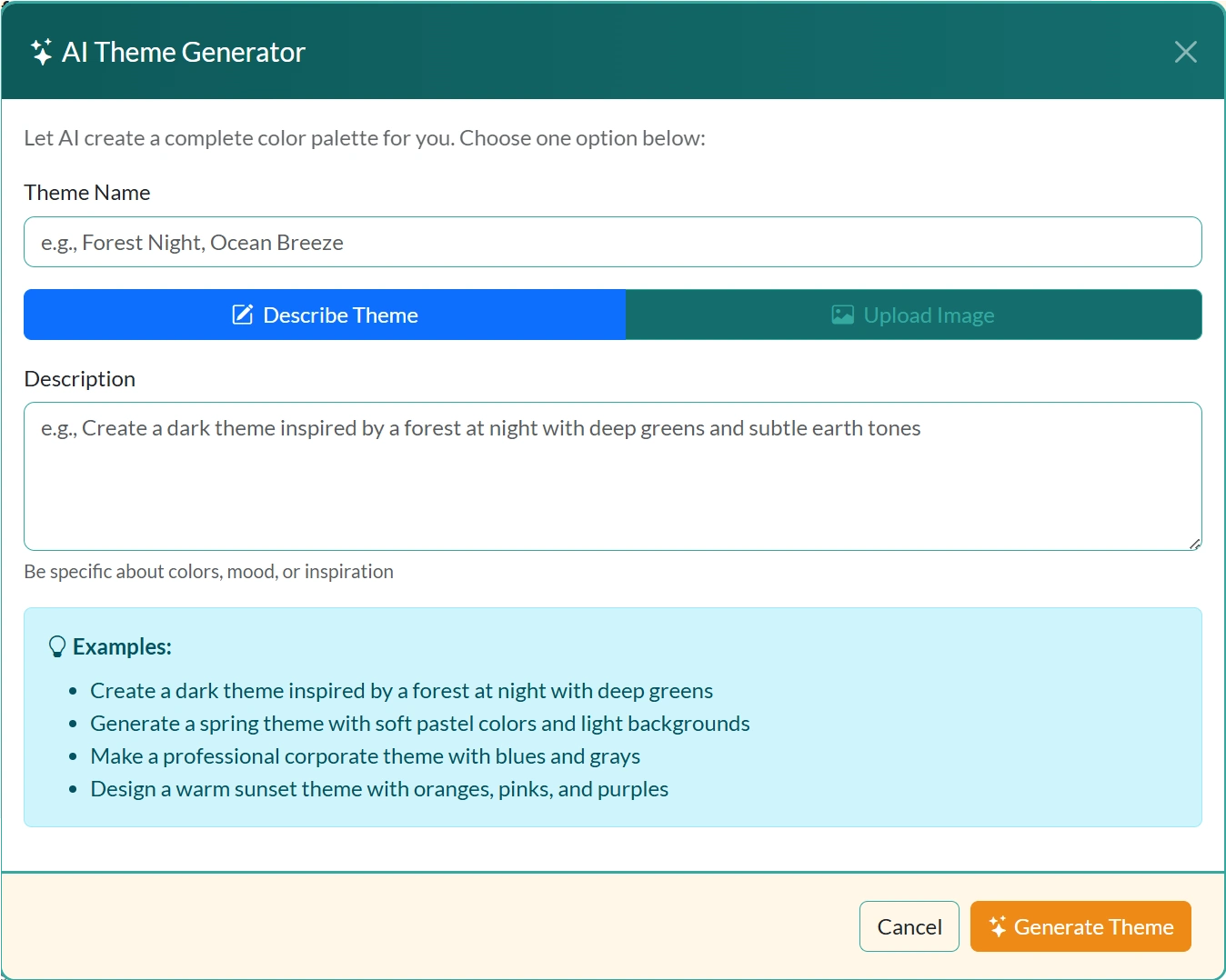
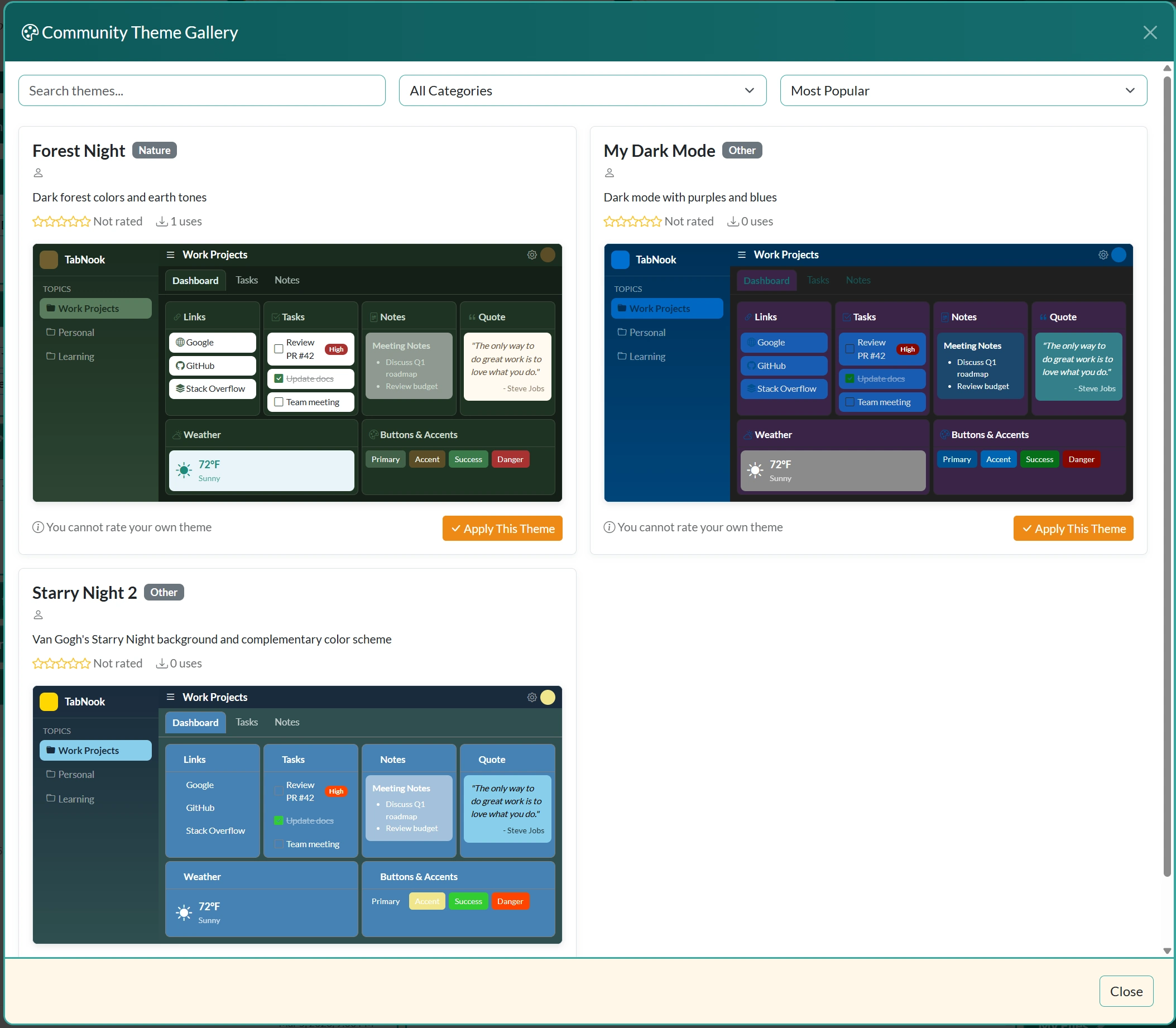
Browse through stunning dashboard themes or describe your perfect look and let AI generate a custom theme just for you.
See how we compare to other tools in the market
Check out the latest features and improvements we've added to make your productivity soar
April 2026 • Version 4.0
TabNook gets stronger and more expressive! Protect your account with Two-Factor Authentication, add images directly to your notes for richer content, try out the new Business theme with custom-styled buttons, and enjoy an updated Take the Tour guide with the latest page and widget numbers.
April 2026 • Version 3.9
TabNook just got more personal and helpful! Meet four new mascot friends of Nook, receive direct messages from the TabNook team through the new Inbox, continue the conversation on your support tickets with the new My Tickets tab, and enjoy dramatically better links generated by the AI Links, Tasks, and Page Wizards.
April 2026 • Version 3.8
TabNook keeps getting better! Email your shopping list to yourself or anyone, add beautiful images to recipes by dragging and dropping photos, duplicate any widget with one click, and explore tens of thousands of food recipes from the built-in recipe database. Chat conversations now persist when you switch topics or pages, and AI-generated links are more reliable than ever.
You have 30+ tabs open "for later" but never actually get back to them. Important links get lost in the chaos.
Your notes are scattered across apps, documents, and random files. When you need something, you can never find it.
Tasks scattered across sticky notes, apps, and your memory. Nothing syncs, nothing's organized, things get forgotten.
One dashboard to replace them all. Now with AI to help you organize faster and smarter.
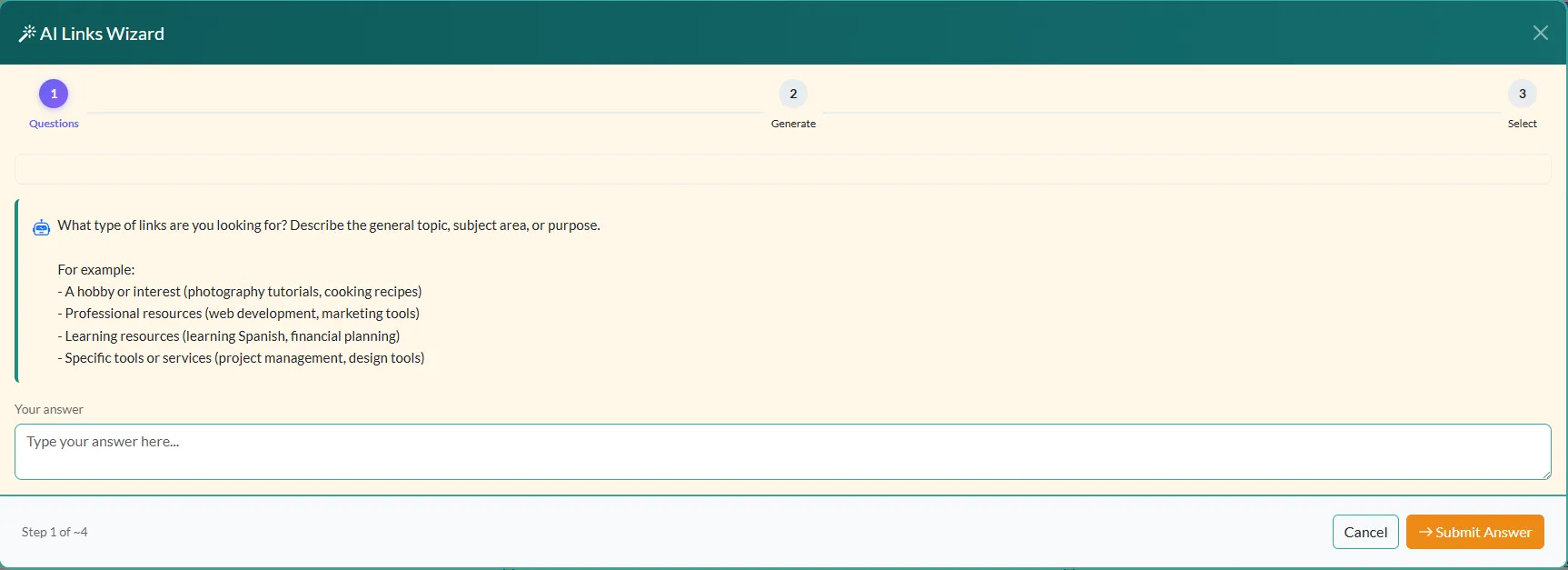
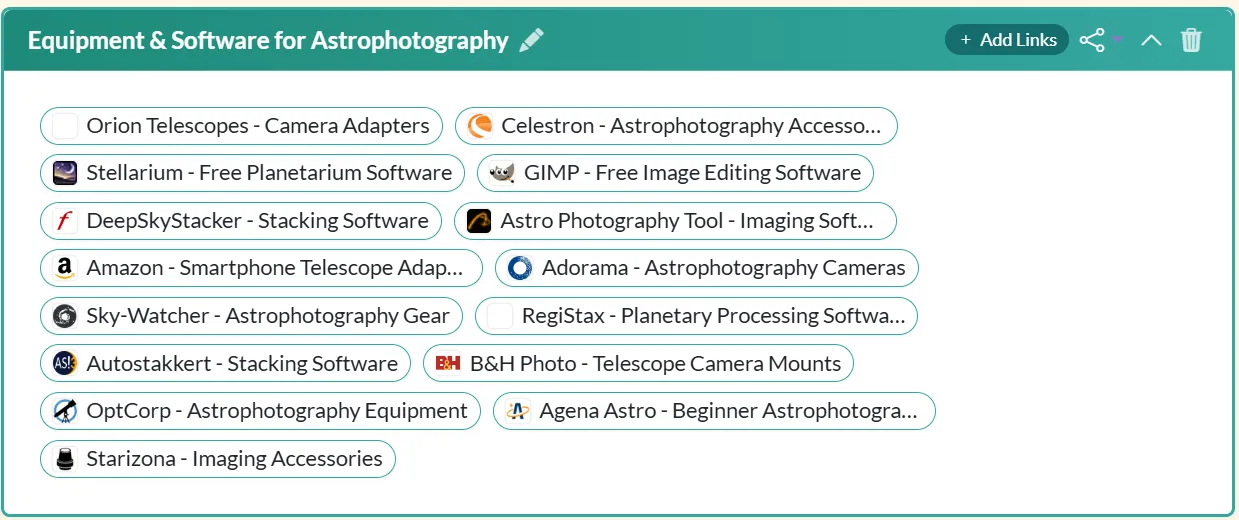
Describe what you need, and let AI generate 15+ curated, relevant links instantly. Perfect for research, learning, or building resource collections. Save hours of searching!
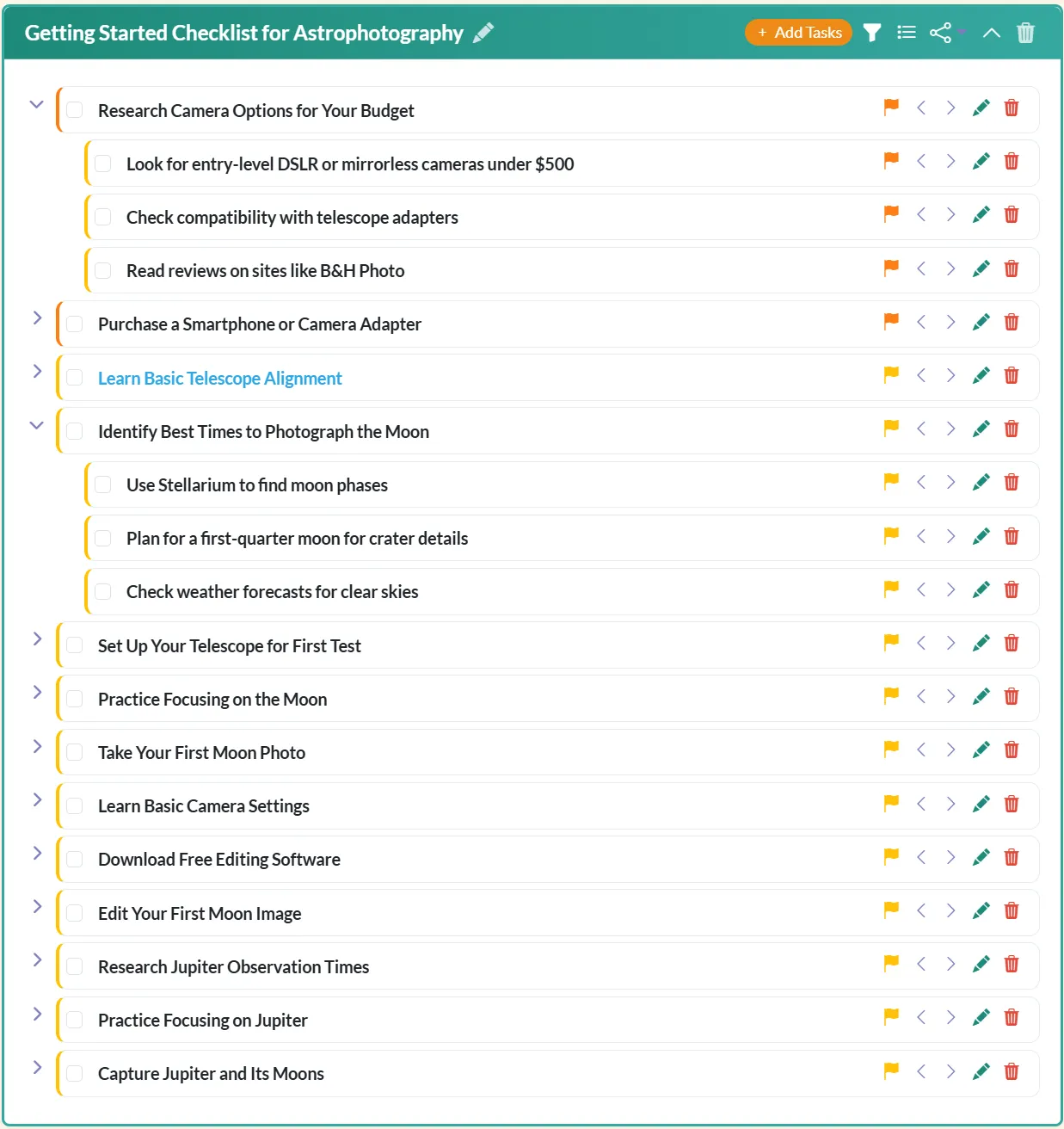
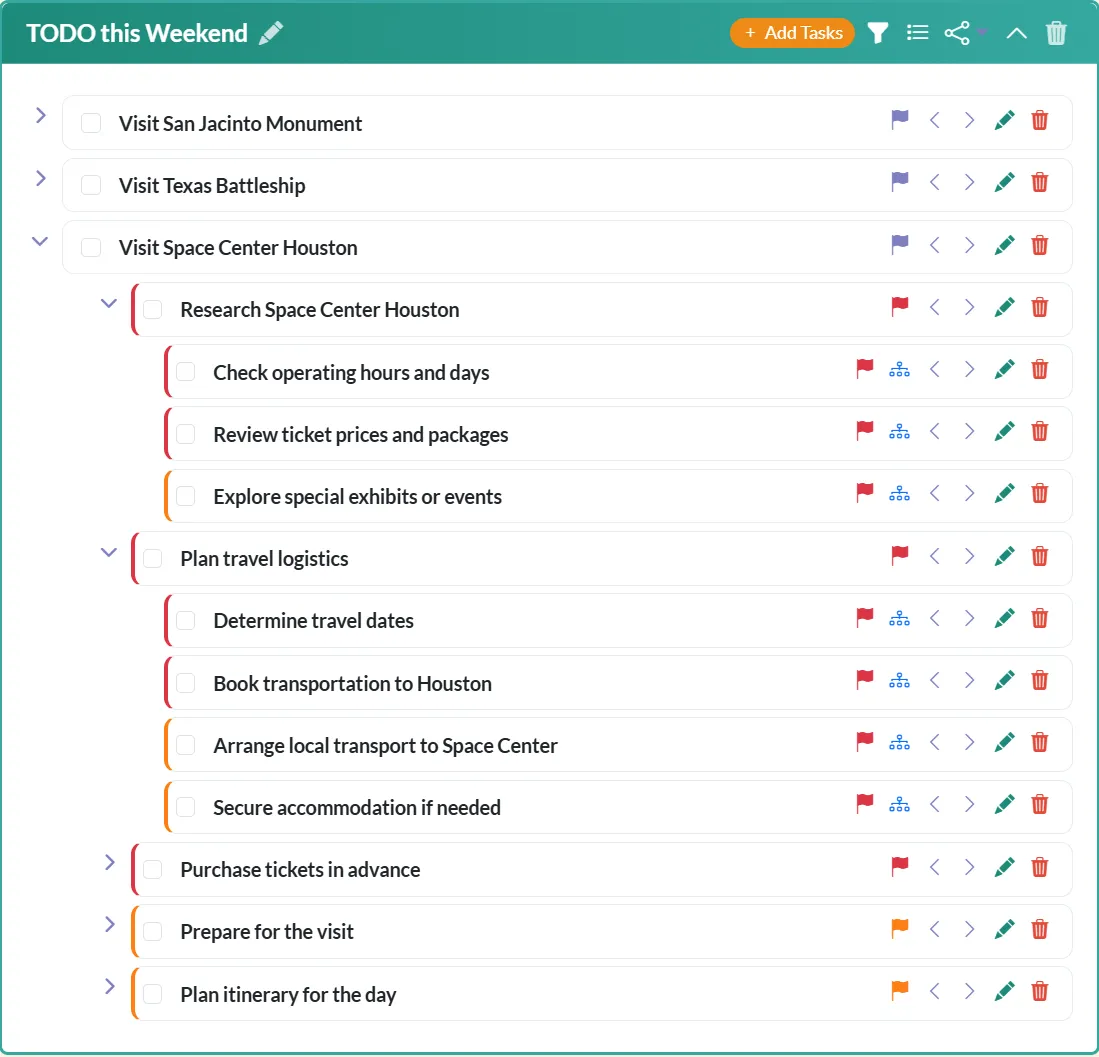
Starting a new project? Describe it and AI creates a complete, structured task list with subtasks. From architecture projects to event planning - get organized in seconds.
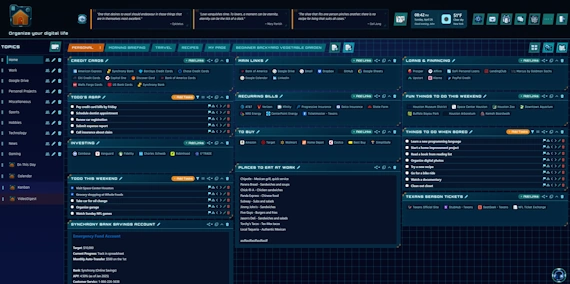
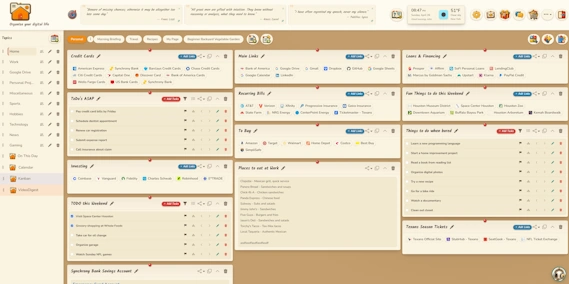
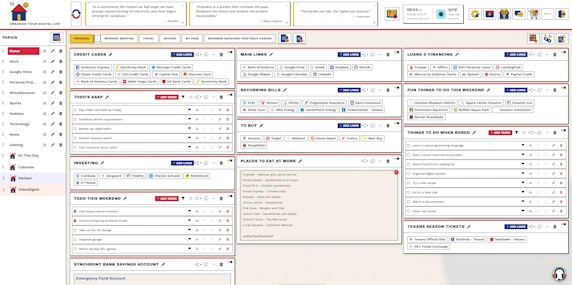
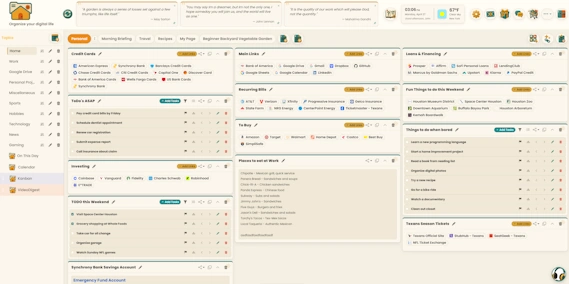
Build your perfect dashboard with drag-and-drop widgets. Links, todos, rich-text notes, photos, and more - organize them your way across multiple topics and pages.
Share topics with teammates, friends, or family. Collaborate with role-based access and built-in real-time chat with image sharing — conversations now persist as you switch between topics and pages, so you never lose your place.
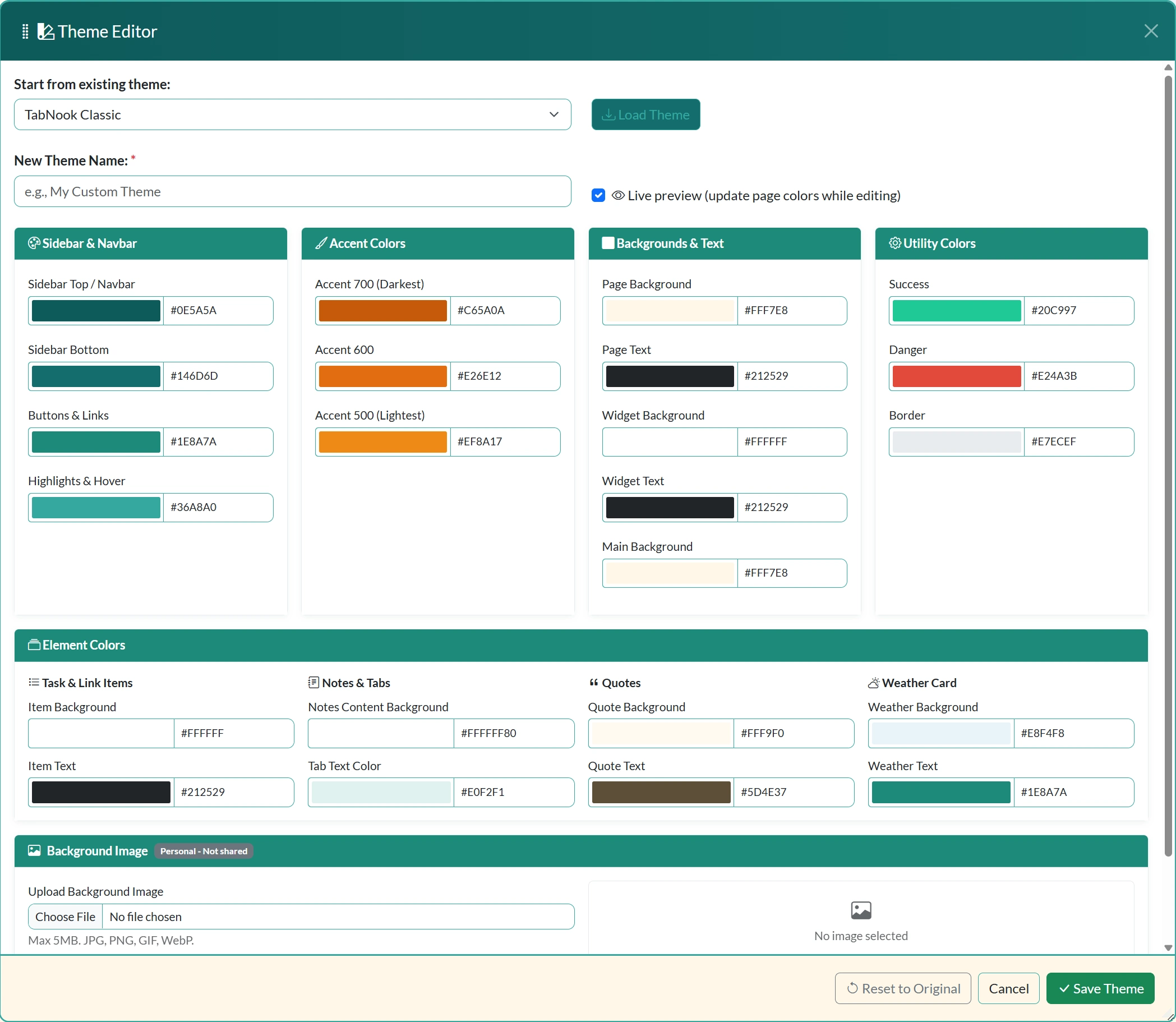
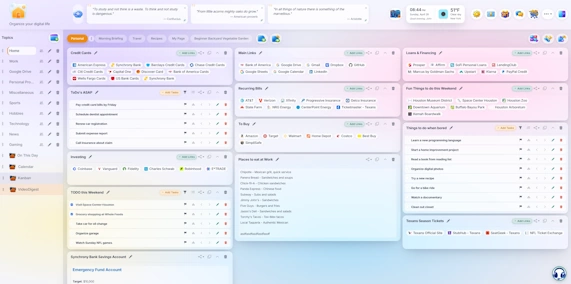
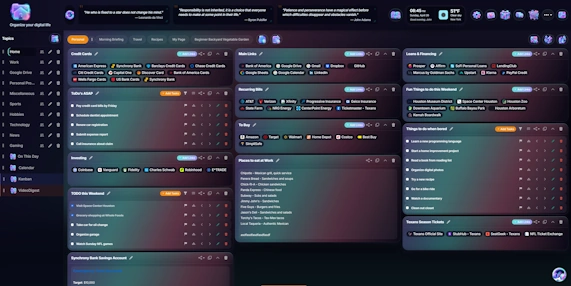
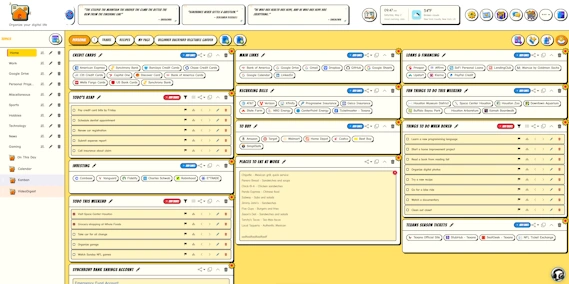
Choose from beautiful themes, customize fonts, adjust layouts, and personalize every detail. Your dashboard should reflect your style.
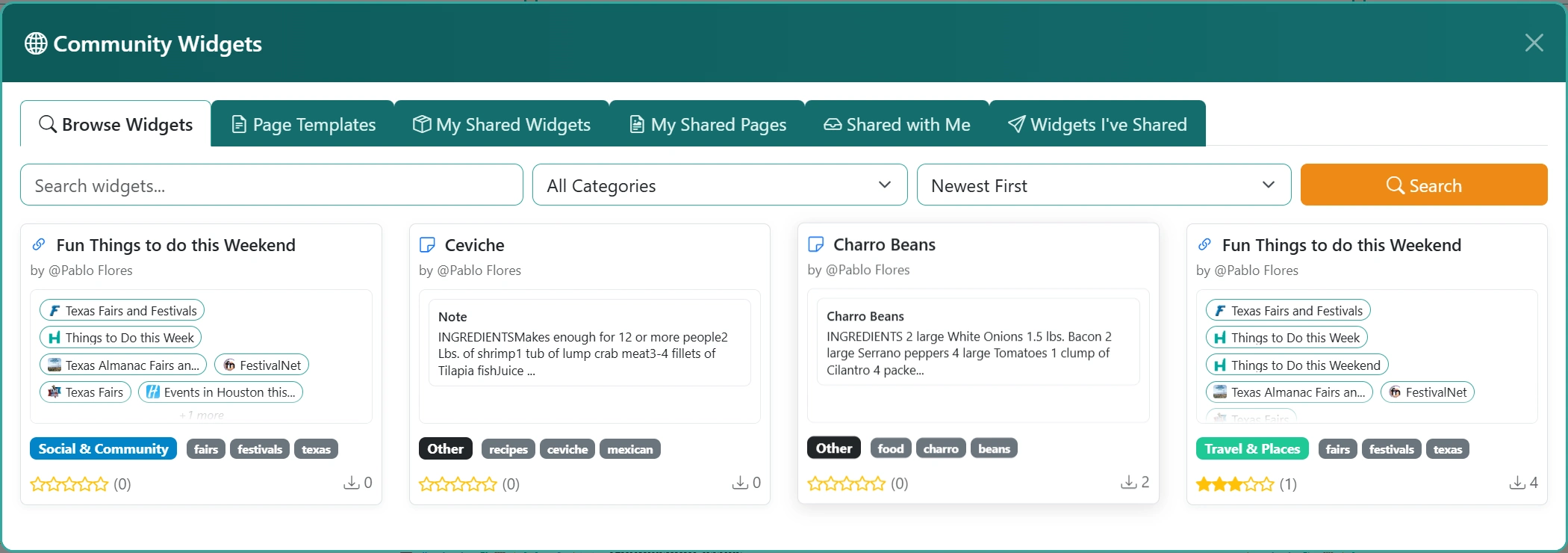
Share your widget templates and page layouts with the community. Discover curated bookmarks, task templates, and productivity setups from other users.
Use TabNook™ like a native app on any device. Install directly to your desktop or mobile and get the full app experience without the browser.
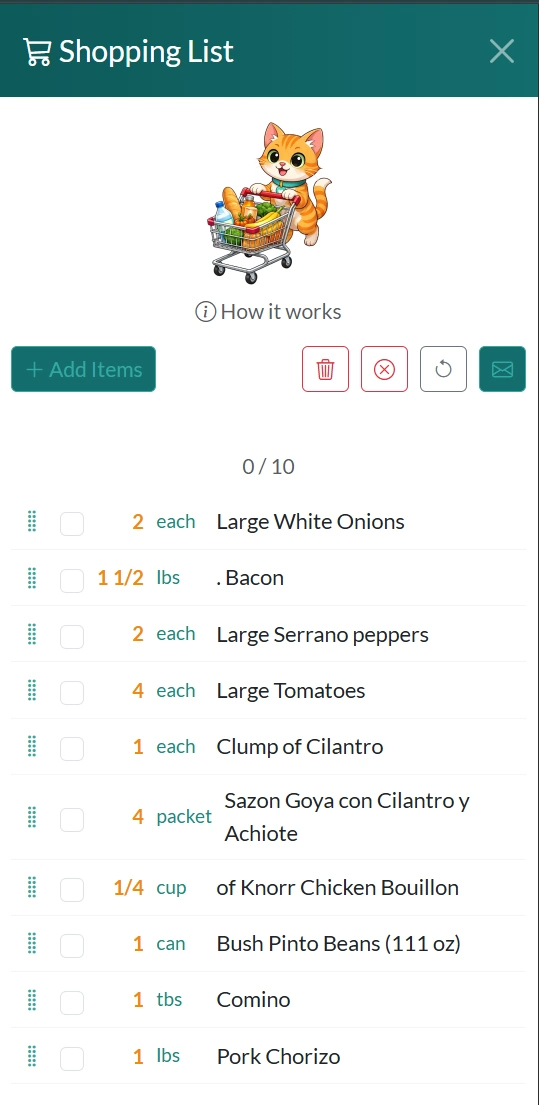
Drag any recipe from any cooking website straight onto your dashboard. Send ingredients to your Shopping List with one click, then email the list to anyone. Browse tens of thousands of recipes in the built-in library.
Pick your favorite friend — Nook, Cranny, Hoot, Acorn, or Truffles — or choose None for a minimal look. Your mascot appears in empty states, the Pomodoro timer, and Ask Nook support chat.
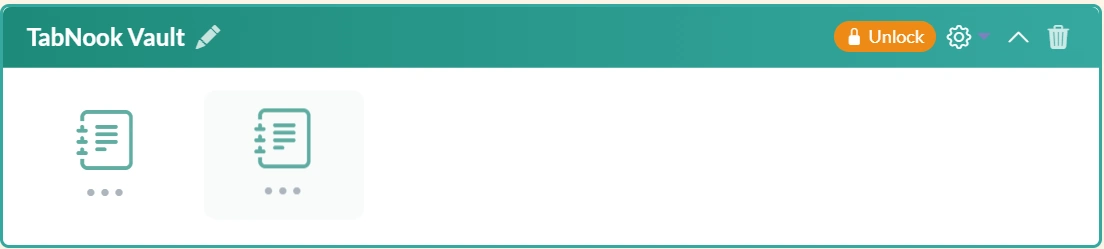
Store passwords, credentials, files, images, and sensitive notes with client-side AES-256 encryption. Zero-knowledge design means not even server admins can access your data.
Let artificial intelligence do the heavy lifting while you stay organized
Stop wasting time hunting for resources. Simply describe what you're looking for, and our AI generates a curated collection of relevant, high-quality links complete with descriptions. Upgraded in v3.9 with greatly improved link quality and fewer dead results.
Starting a new project can be overwhelming. Describe your project and let AI break it down into a comprehensive, organized task list with logical subtasks and structure. Upgraded in v3.9 for more relevant results and higher-quality task links.
From content generation to curation, customization, and support — TabNook™ ships the deepest AI stack in the dashboard category.
Answer a few questions — AI builds a complete page with Links, Tasks, and Notes widgets.
Describe what you need and get 15+ curated, relevant bookmarks in seconds.
Describe a project and get a structured task list with subtasks and priorities.
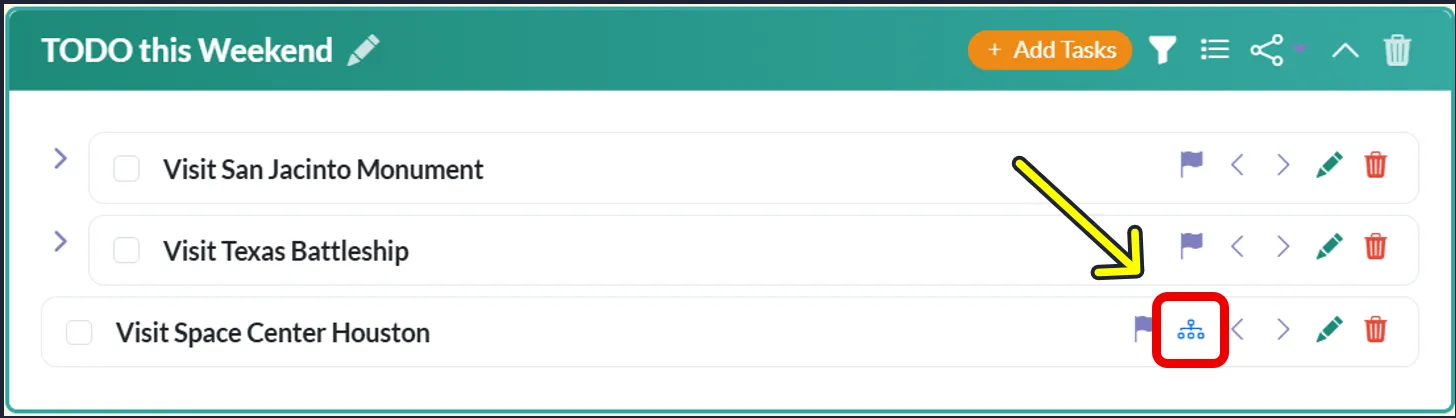
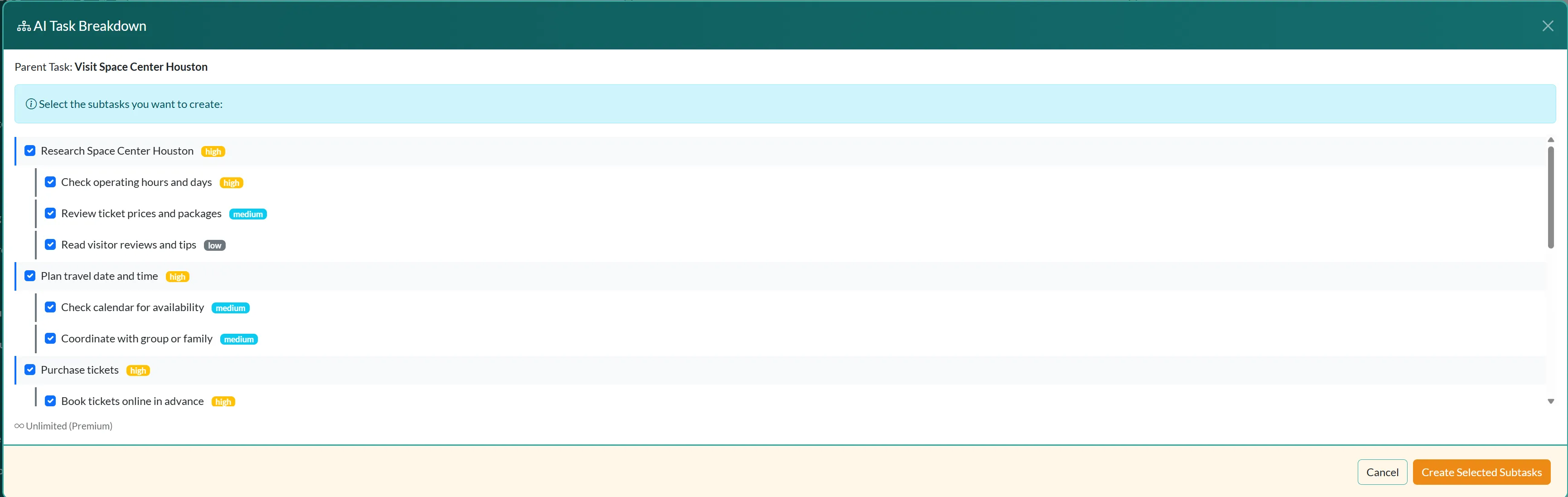
Break down any complex task into smaller, actionable subtasks with one click.
Describe a mood or style — AI generates a full, harmonious color scheme instantly.
Upload a photo — AI extracts representative or complementary palette colors.
Right-click any YouTube video in the Chrome Extension for a 400-600 word summary.
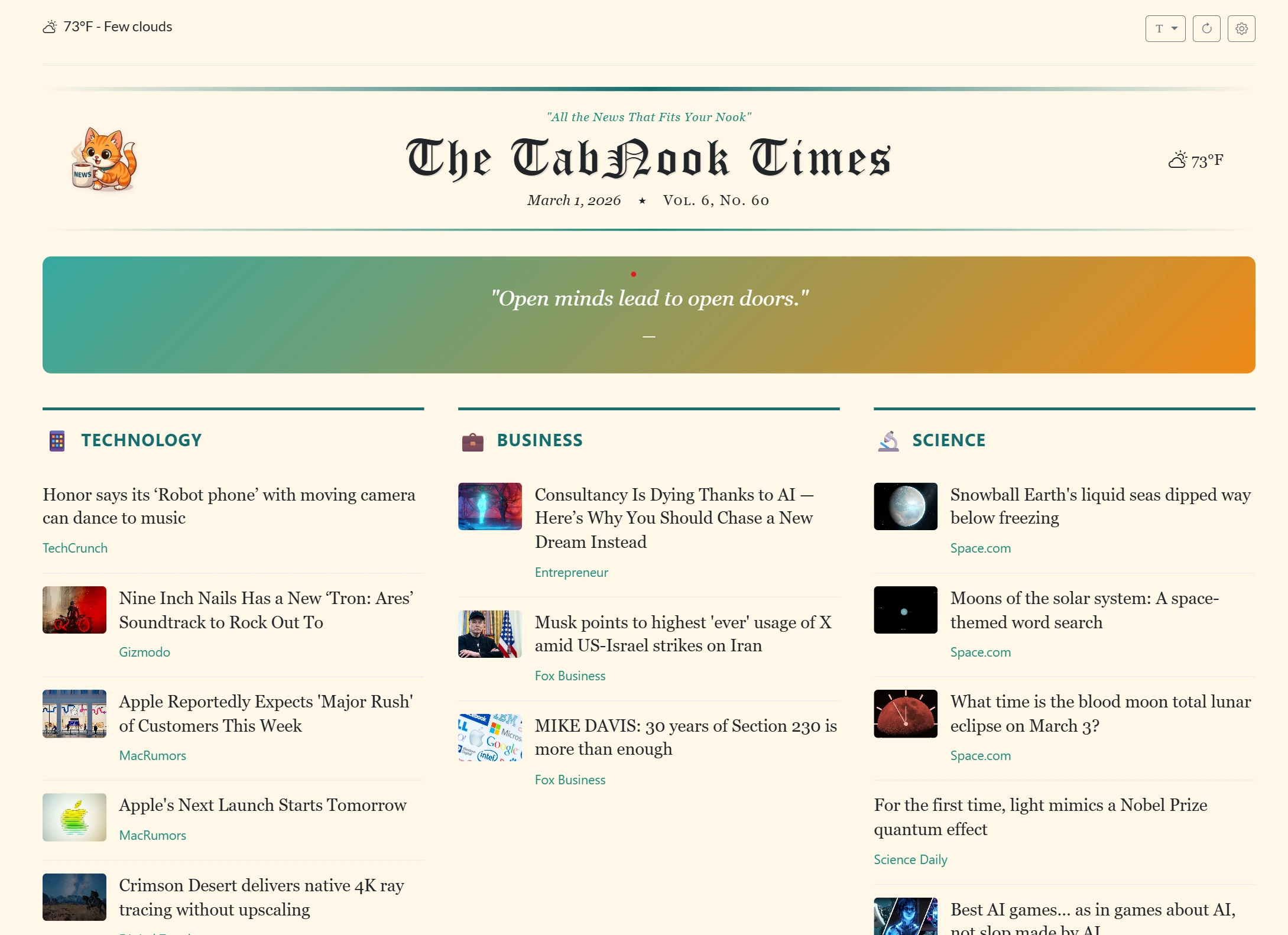
Personalized daily news across 20+ categories with 4 layouts and On This Day.
AI-powered help assistant that knows TabNook™ inside and out. Available 24/7.
Capture content from any webpage directly into TabNook™. Our Chrome extension puts TabNook™'s power at your fingertips, no matter where you browse.
Right-click any YouTube video for AI-powered summaries. Save hours of watching time.
Bookmark any webpage instantly. Universal bookmarking from anywhere on the web.
Select text on any page and send it to your notes. Perfect for research and quotes.
Convert text to tasks instantly. Capture action items from anywhere you browse.
Powerful features that make your digital life simpler
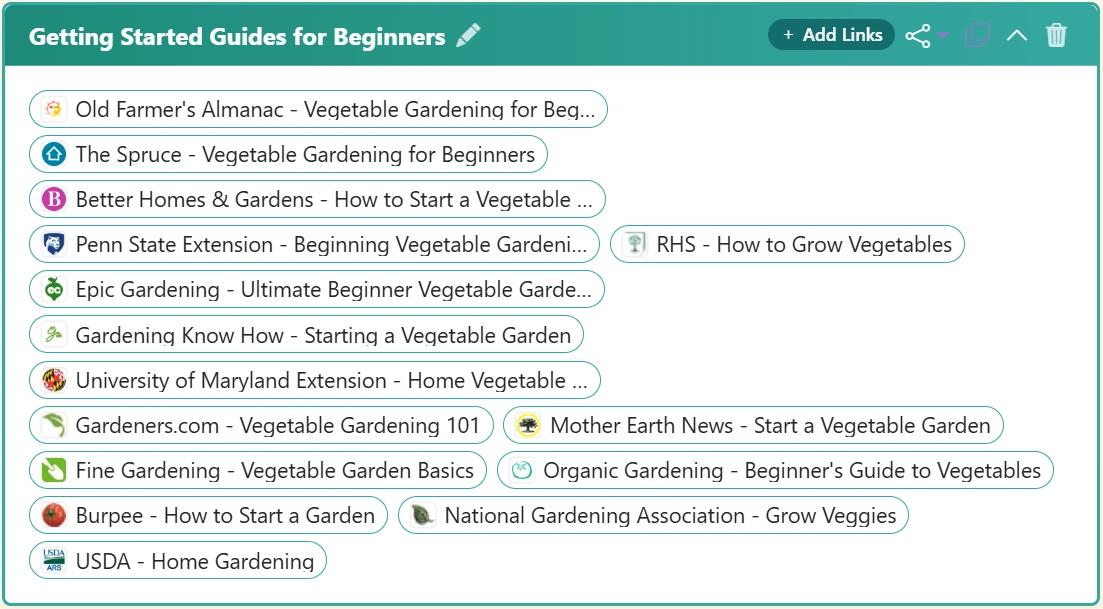
Save links with favicons in beautiful chip layouts. Drag-and-drop to reorder links exactly how you want them. Organize by topic and access instantly.
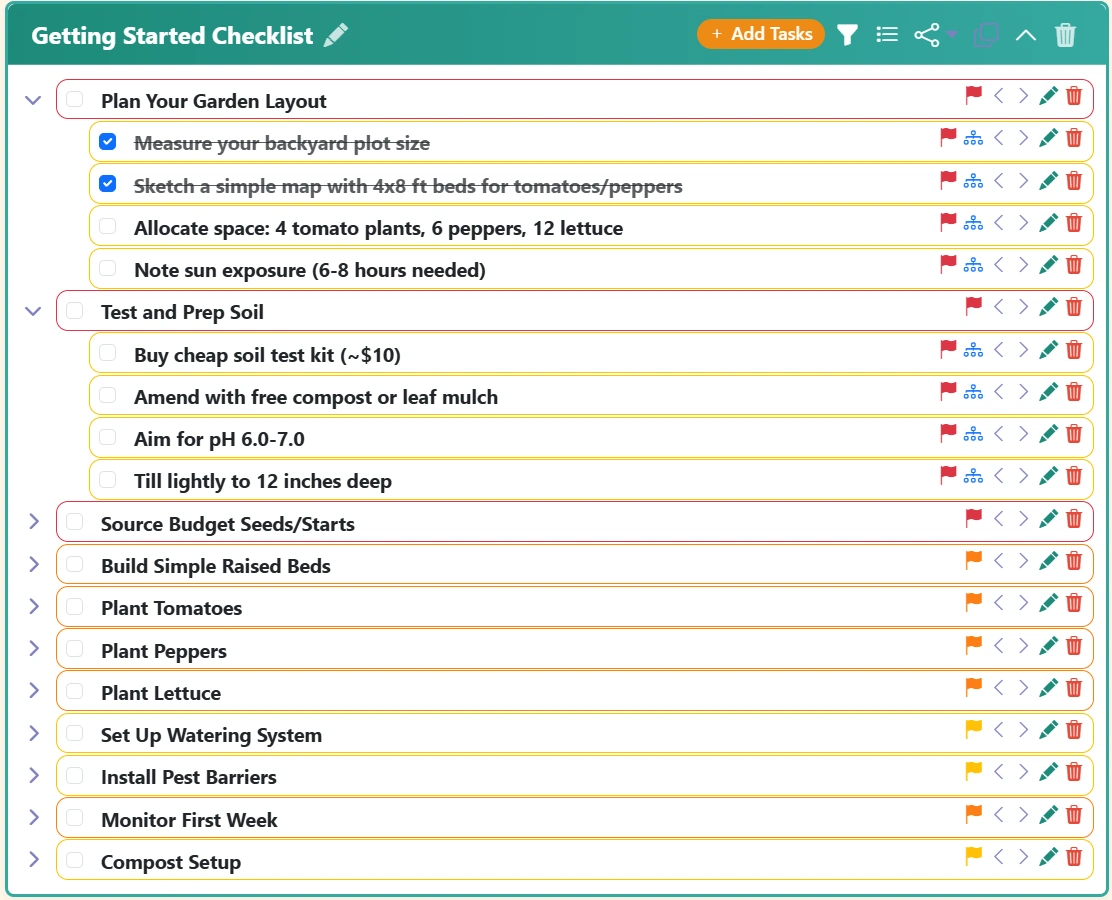
Create hierarchical task lists with priority levels (Low, Medium, High, Urgent) and color-coded indicators. Drag-and-drop to organize tasks exactly how you think.
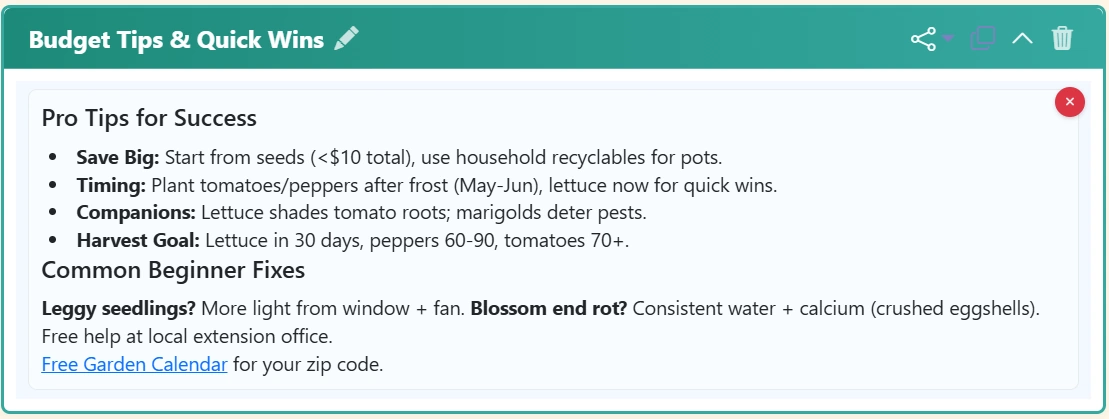
Quick plain text notes or full rich-text formatting with the built-in editor. Bold, lists, headings - whatever you need.
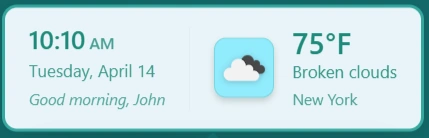
Start your day right with personalized greetings and local weather at a glance. Customize your location and temperature units.
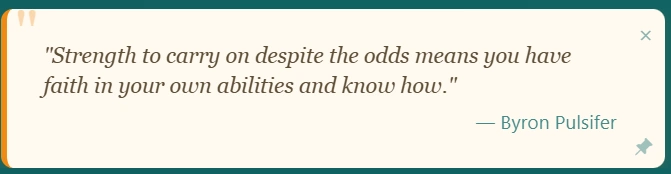
Get motivated with rotating inspirational quotes displayed beautifully at the top of your dashboard.
Create custom themes using natural language. Just describe your vision - "dark forest theme" or "pastel spring colors" - and AI generates a complete, beautiful theme.
Share your AI-generated themes or discover beautiful themes created by others. Browse, rate, and apply themes with one click. Join a creative community of TabNook™ users.
Share your best widgets and page templates with the community. Discover productivity templates, curated bookmarks, and task structures. Browse, rate, and apply community content with one click.
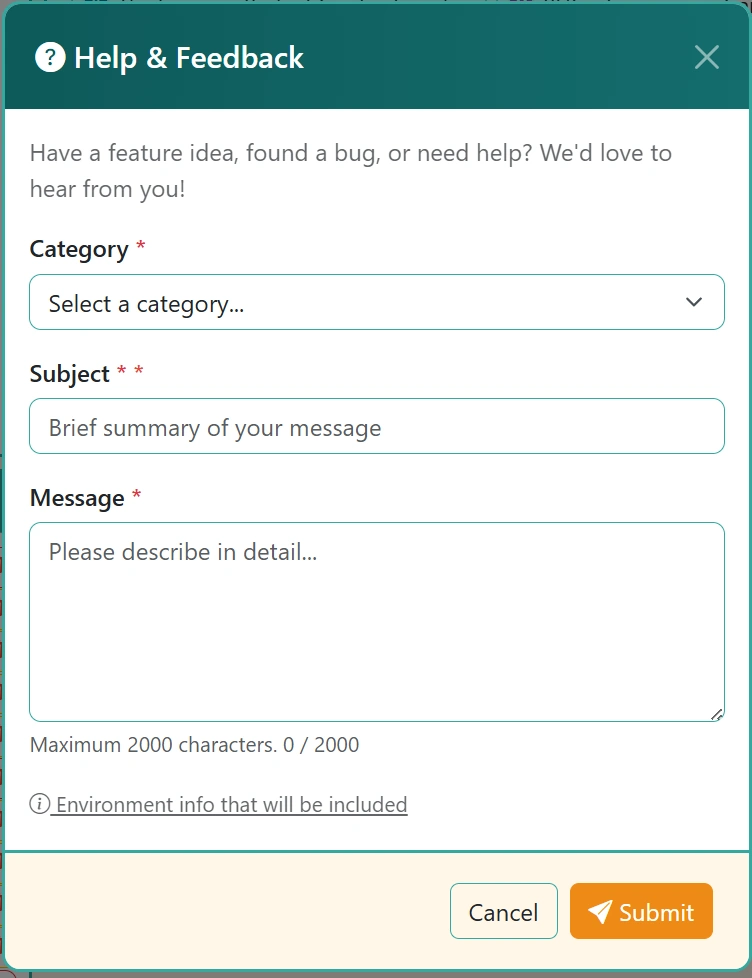
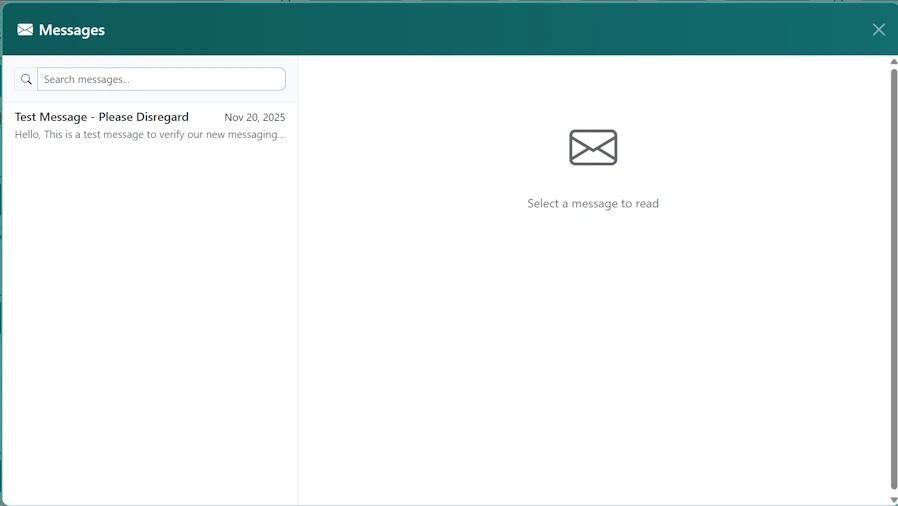
Receive direct messages from the TabNook™ team in your Inbox (with an unread-count badge), and continue the conversation on any support ticket you've submitted via the My Tickets tab. Support lives inside the app — no external helpdesk.
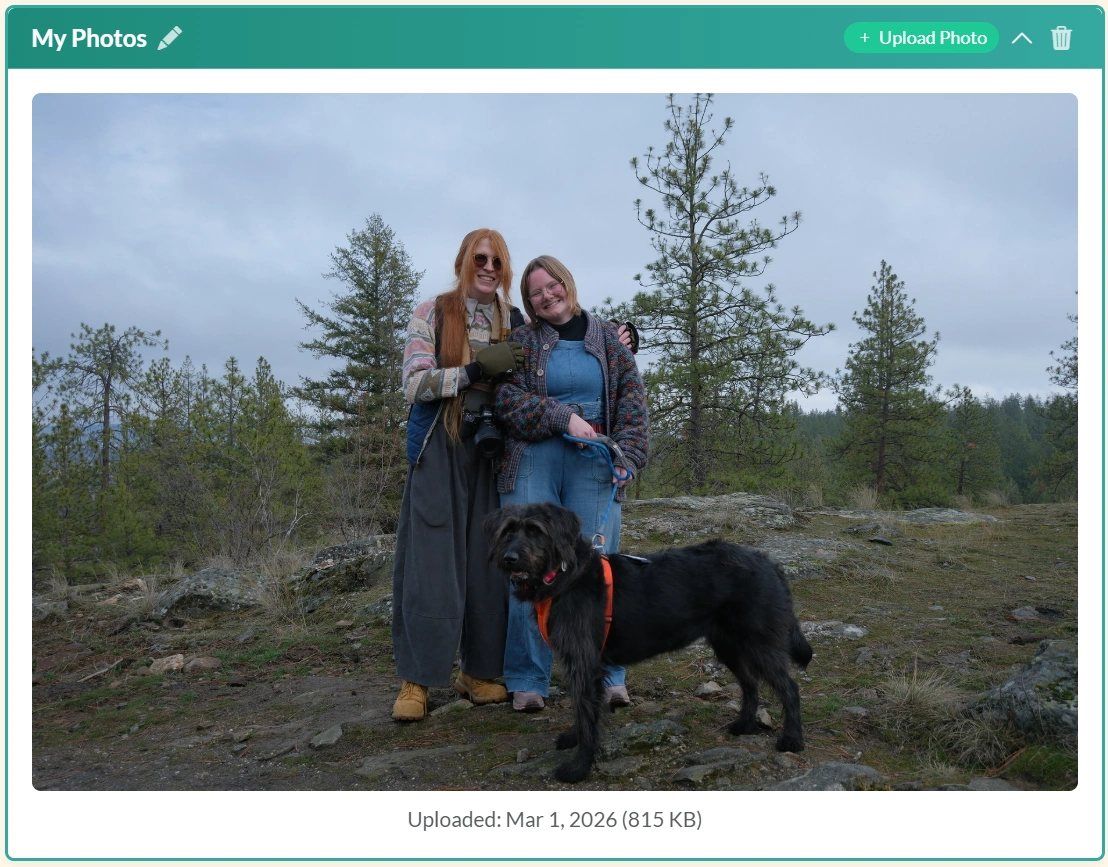
Upload and securely store images with automatic virus scanning. Perfect for keeping important photos organized in your dashboard.
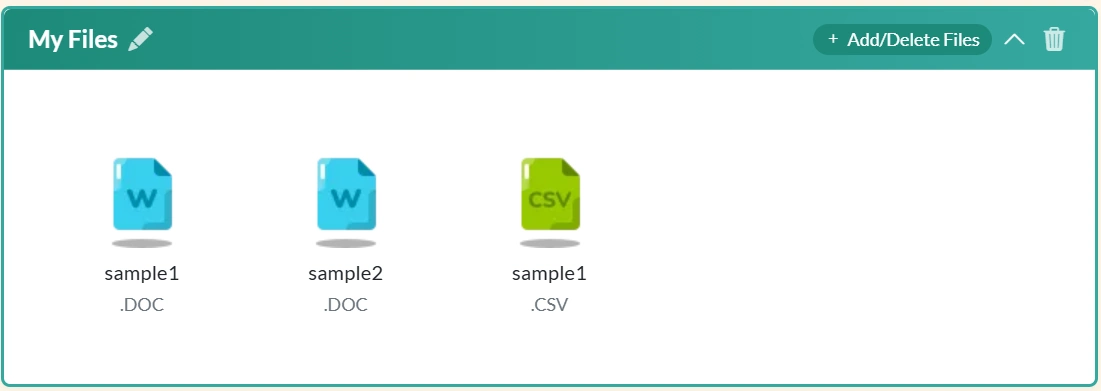
Store documents, archives, code files, and more. Supports 30+ file types with secure storage and virus scanning protection.
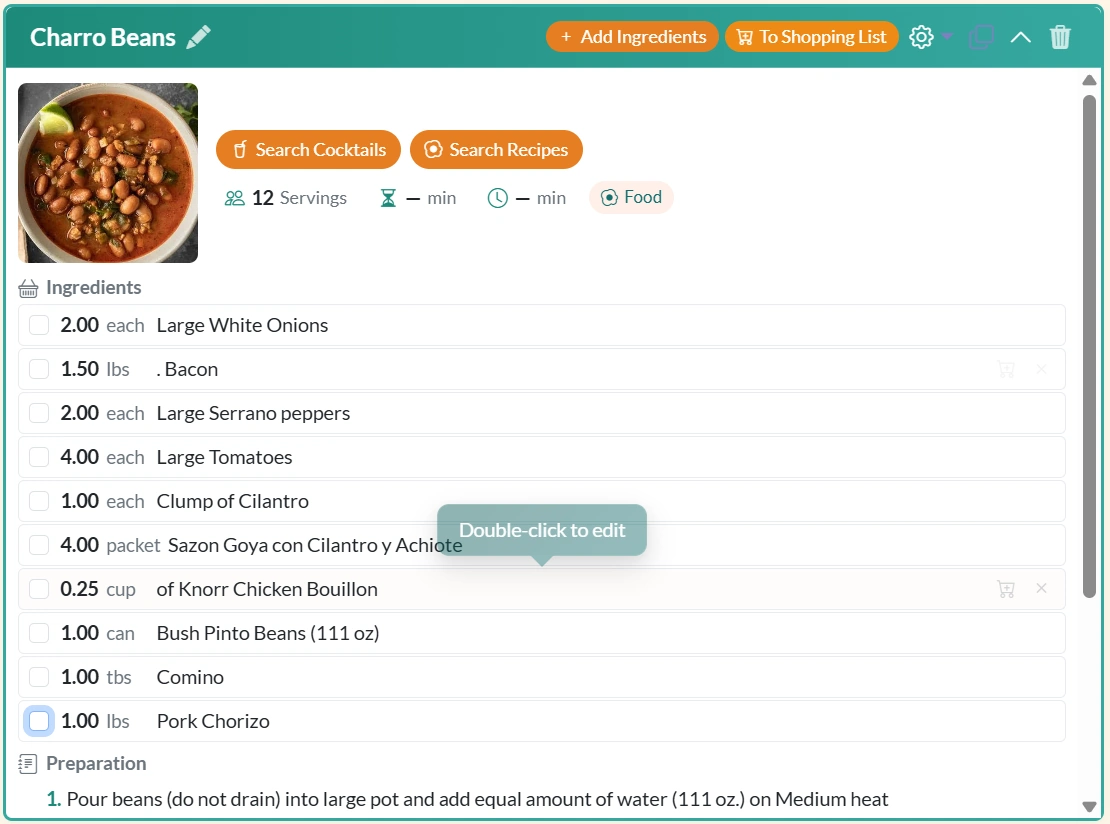
Manage your favorite recipes with ingredients, prep times, and instructions. Import from TheCocktailDB. Send ingredients to your Shopping List with one click.
Store passwords, credentials, and sensitive notes with client-side AES-256 encryption. Zero-knowledge design means not even server admins can access your data.
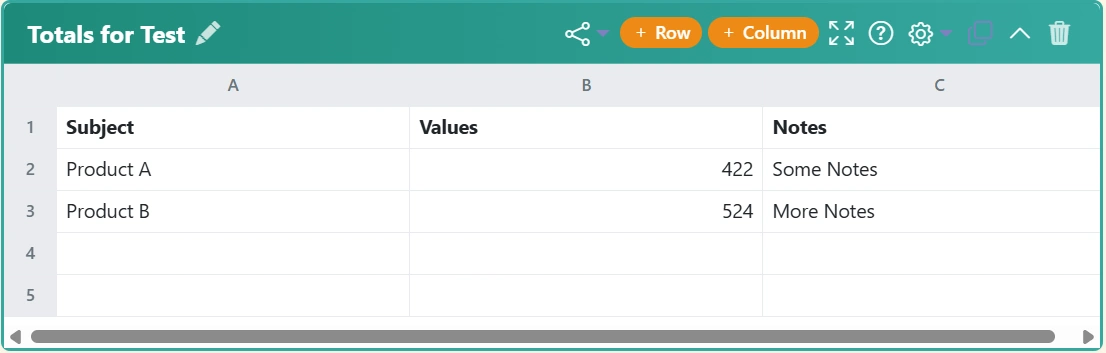
A full spreadsheet right on your dashboard. Create tables with formulas, sorting, frozen rows, and cell notes. Perfect for budgets, trackers, and inventories.
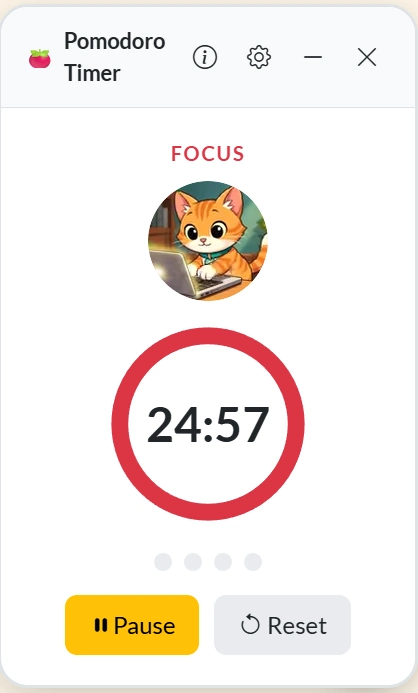
Stay focused with a built-in Pomodoro timer featuring animated Nook mascot. Customizable focus sessions, break reminders, and session tracking.
Pick your favorite mascot friend — Nook, Cranny, Hoot, Acorn, or Truffles — or choose None for a minimal look. Your chosen mascot appears in empty states, the intro tour, the Pomodoro timer, and Ask Nook support chat.
Receive direct messages from the TabNook™ team in your Inbox (with an unread-count badge), and continue the conversation on any support ticket you've submitted via the My Tickets tab. Support lives inside the app — no external helpdesk.
Start your day with a personalized AI-curated news briefing. Choose from 20+ categories and 4 beautiful layouts, plus weather, comics, daily quotes, and On This Day history.
Start free, upgrade when you're ready for more power
Perfect for getting started and trying out TabNook™'s core features
Unlock unlimited everything + AI-powered features for maximum productivity
No credit card required to start free. Cancel premium anytime. Your free content is never deleted.
Three simple steps to digital organization bliss
Create your account in seconds. No credit card required, no commitments. Just your email and you're ready to go.
Run our setup wizard or start from scratch. Add topics, create pages, and drop in widgets. Use AI to instantly populate links and tasks.
Replace your cluttered browser tabs with one beautiful dashboard. Everything you need, exactly where you want it, powered by AI.
Join thousands of people who've transformed their digital chaos into clarity